How to Register for Access to Fleetroom
Learn how to create a Yango ID account with a non-Yandex email address and get access to Fleetroom.
Joining your fleet's team in Fleetroom? Before your fleet director can add you, you need to register a Yango ID account using an email address from a provider other than Yandex, such as Gmail or Outlook.
This guide is for fleet employees who need to create an account to get access to Fleetroom.
Create Your Yango ID Account
-
Open the Yango ID registration page.
-
Enter your email address in the Username or email field and click Next. Use an address from a provider other than Yandex.

-
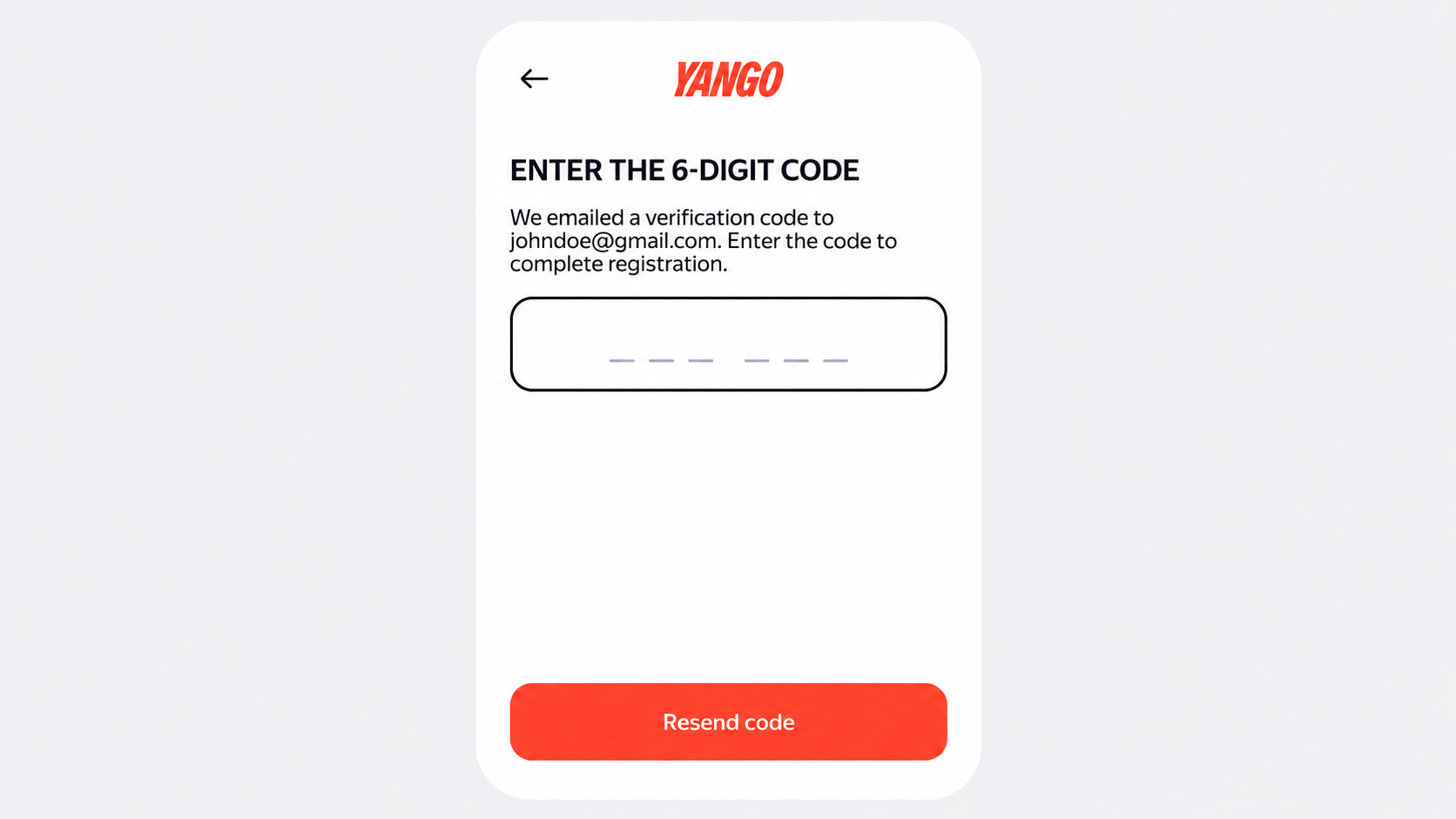
Check your inbox for a six-digit confirmation code and enter it on the registration page.
-
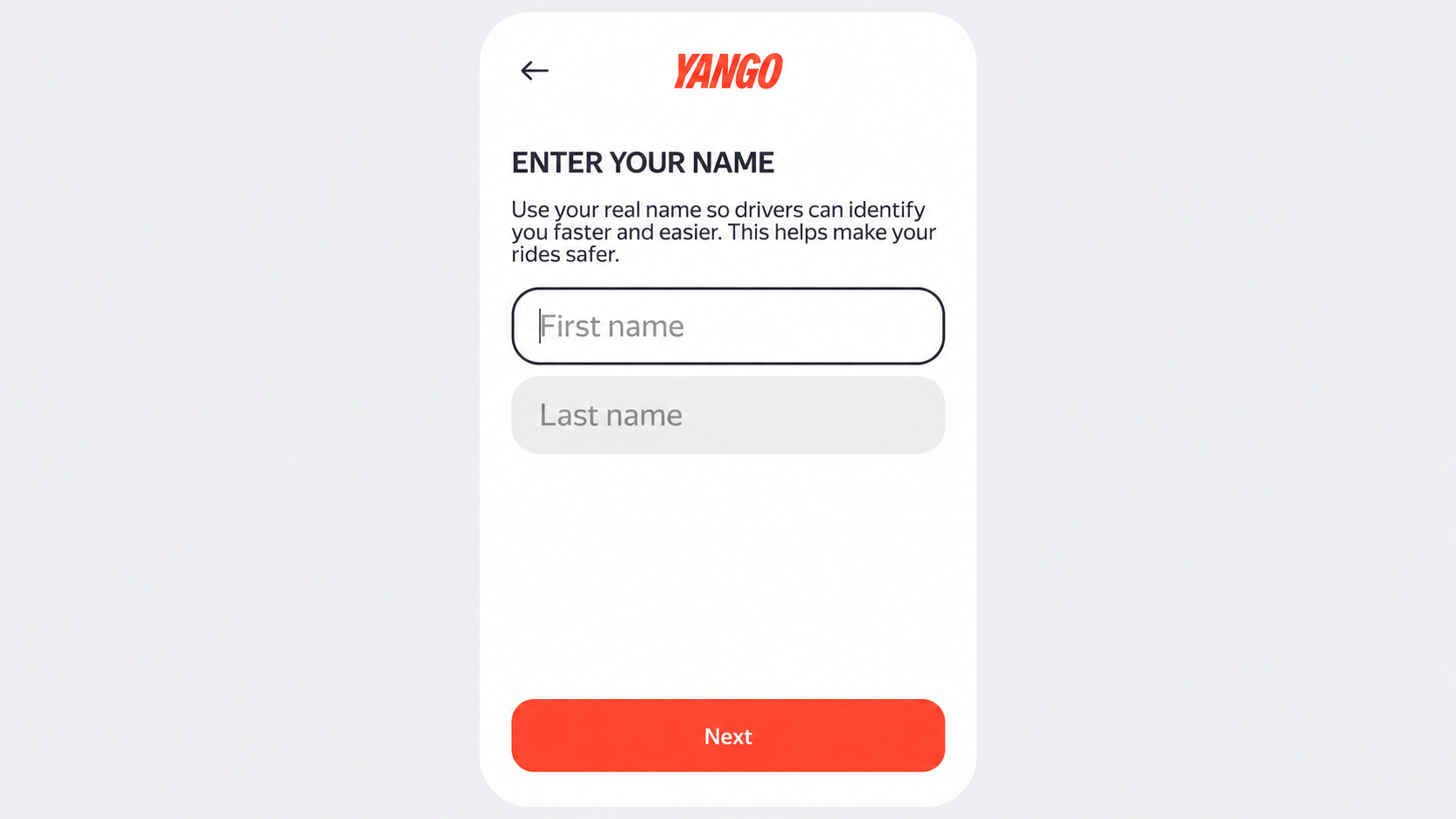
Enter your first and last name, then click Next.
-
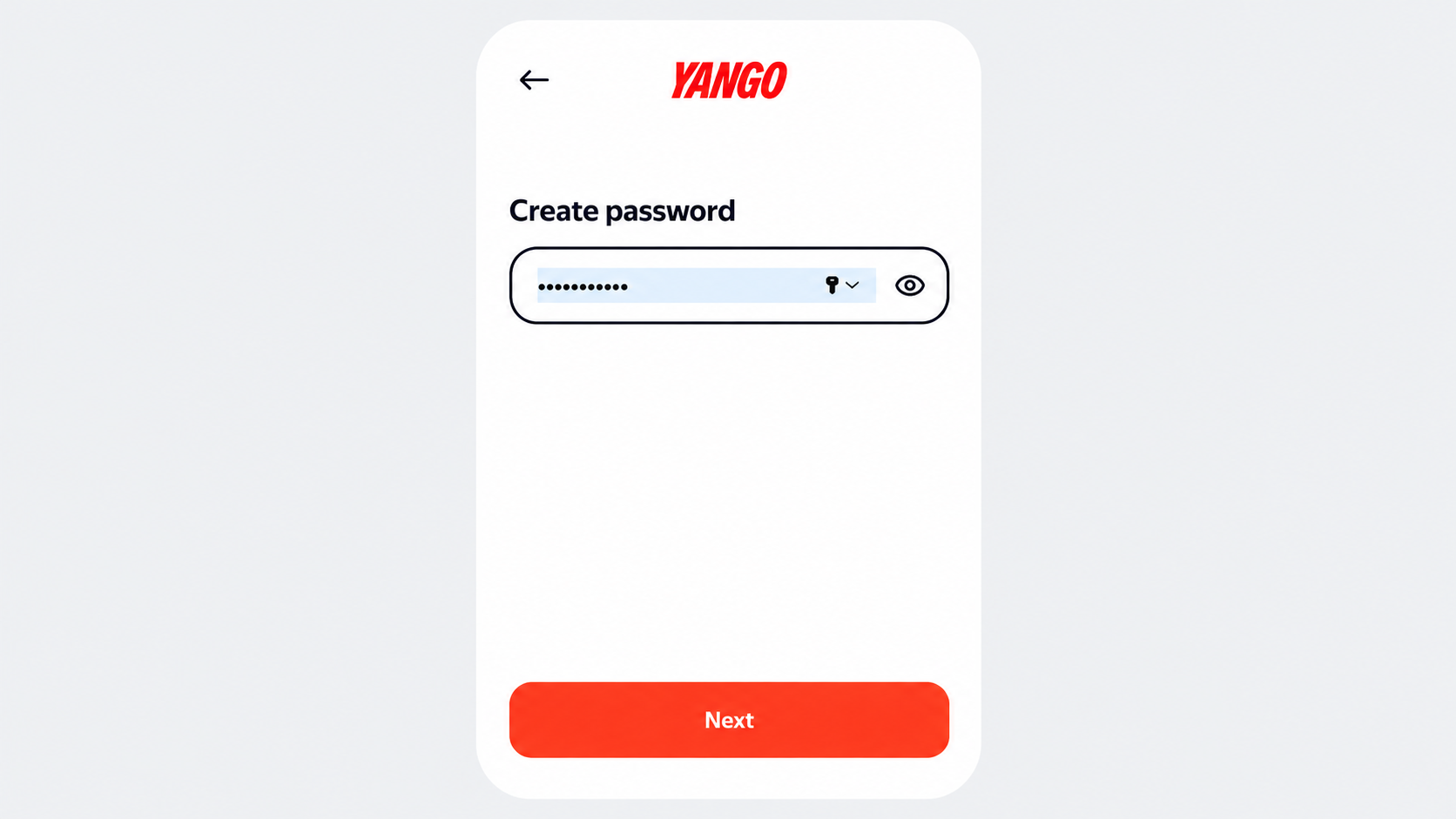
Create a password and click Next to complete registration.
Get Access to Fleetroom
Share the email address you registered with your fleet director. They will use this address to add you as a user in Fleetroom.

