Set taxi company fee
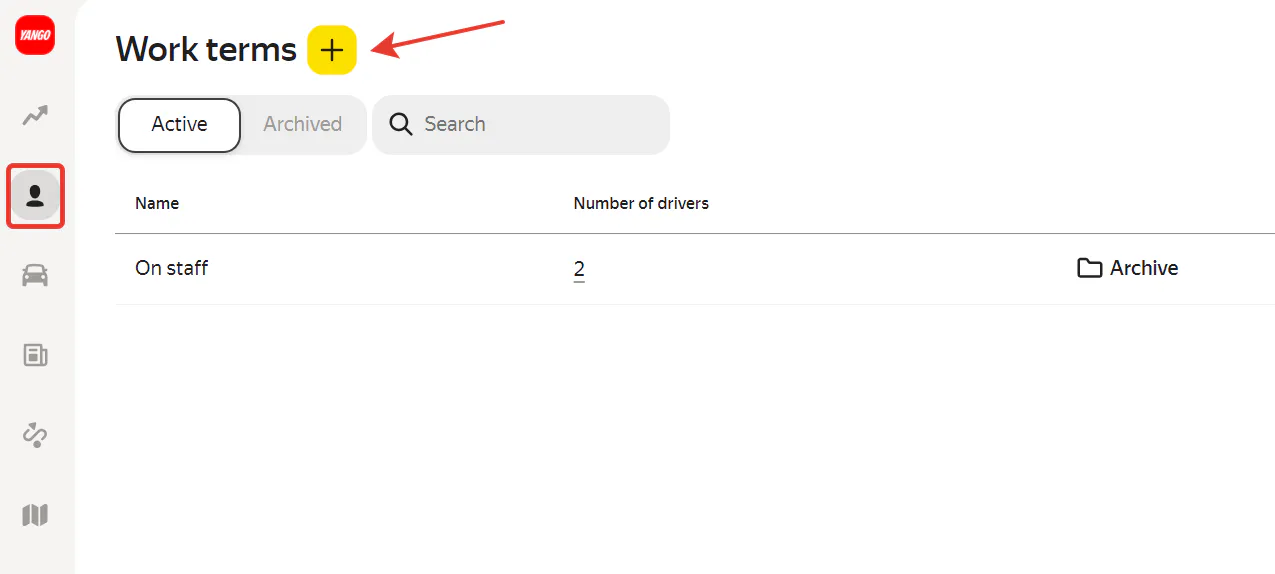
First thing’s first: set your taxi company fee as a percent or amount your taxi company will receive for every Yango trip completed by your drivers and couriers. To set it, in the left menu of Fleetroom select the Staff section and click the Work Terms.
First thing’s first: set your taxi company fee as a percent or amount your taxi company will receive for every Yango trip completed by your drivers and couriers. To set it, in the left menu of Fleetroom select the Staff section and click the Work Terms.

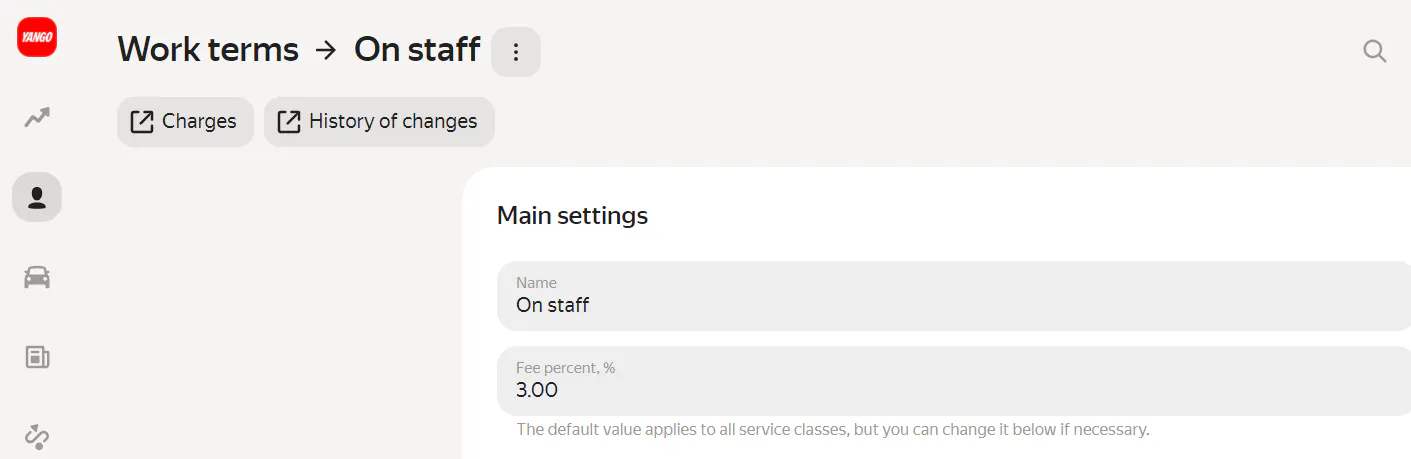
In Fleetroom, the default work term is On Staff.
With the On-Staff term, your taxi company can start working right away. The following terms will be active by default:
● taxi company fee: 3% from Yango trips;
● the fee is charged to drivers and couriers when passengers cancel their trip.

How to set your terms
- To create a new term, click the + button.
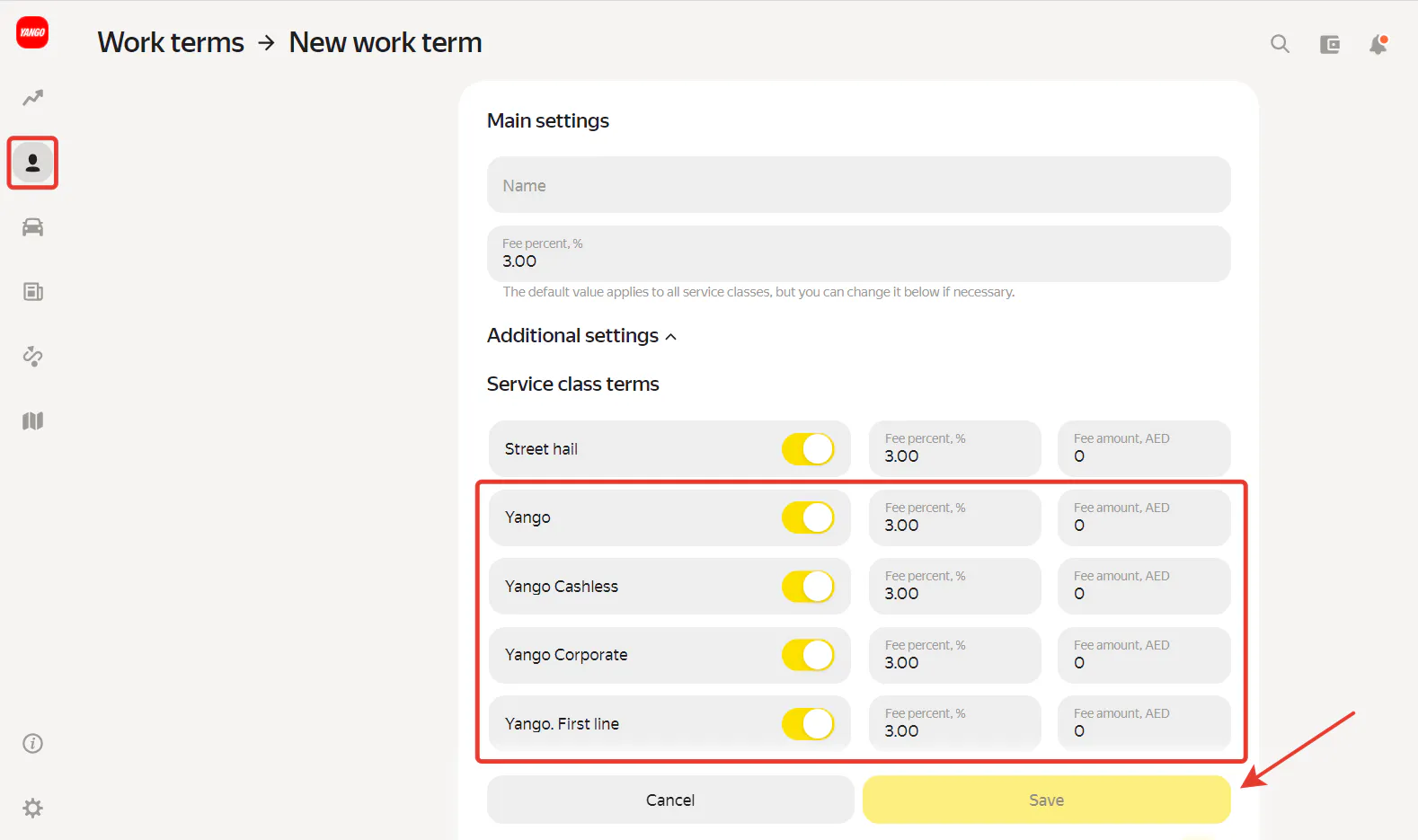
- Set your terms in the Main settings section.
- Below is the Additional settings section.
Enable all the conditions with the word “Yango” in the Service Class Conditions section. If “Service class conditions” are not enabled, then no fee will be displayed at all to drivers and couriers, but the Yango fee will continue to be displayed on the taxi company’s balance.
Trips are divided into several types:
- Yango — for trips paid in cash.
- Yango Cashless — payment by card via Yango.
- Yango First Line — payment for rides from the airport.
You can set a fixed amount or percent as your taxi company fee. Taxi companies usually keep 3-5% of each trip.
Charge options:
- If “Charge automatically after trip completion” is checked, the taxi company fee you set and the Yango service fee will be displayed automatically on the balance of drivers and couriers after they complete trips.
- If “Don’t charge fee for trip if the Platform fee is 0%”is checked, this means that when the Yango service fee is 0%, the taxi company fee won’t be charged either.
- If “Don’t charge a fee for user cancellations on the Platform” is checked, then if the user canceled their trip, the Yango service fee will only be displayed on your taxi company’s account. This charge won’t be displayed to the driver.
- “Disable Platform fee” (taxi company continues to be charged in full). If you check this box, only the taxi company fee will be displayed to drivers and couriers. However, the Yango fee will still continue to be displayed on your taxi company balance. This box can be checked if the driver or courier is, for example, paid a fixed wage. In other cases, it may happen that you pay the driver more than they earn because you make payments to them without accounting for the Yango fee.
- When you set the work term, click Save.

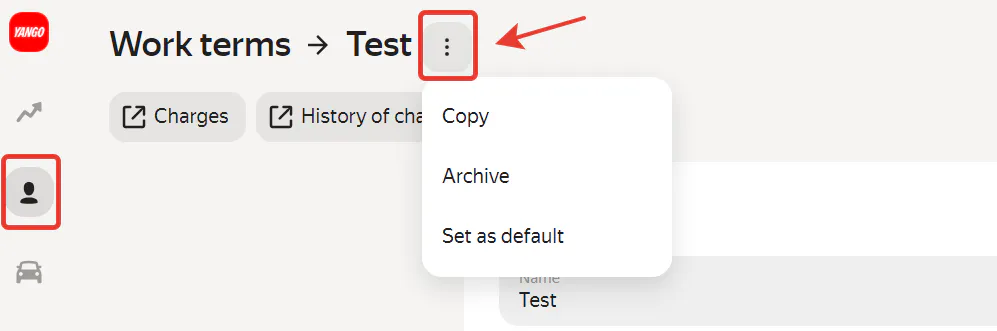
The Work Terms section you can also:
- Hide and archive any work terms you don’t need
- View the number of drivers working under each term
- Make a specific term the default for new drivers